Close orders window
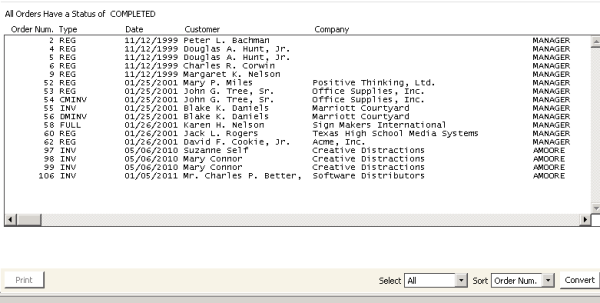
To close an order
- From Close orders window, select the order(s) you want to close.
- Click Convert. A message displays prompting you to confirm closing the selected order(s).
- Click Yes to the close the order(s).