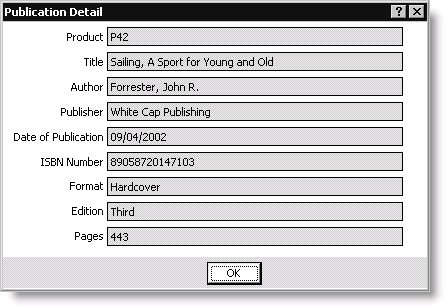
Publication Detail window
The information on this window is read-only.
To view publication details
- From Orders, select Enter and edit orders to open the Enter and edit orders window. The Overview tab displays by default.
- Enter a new order (see Entering orders), or open an existing order (see Finding orders).
- While in edit mode, double-click the product line-item for which you want to view publication details. The Product Detail window will open.
- Click Publication Detail to open the Publication Detail window and view the product's detailed publication information.