Speaker Evaluation report
You can use several meeting reports to organize the requirements and evaluations before and after the event takes place. This report generates a current snapshot of the function's speaker data.
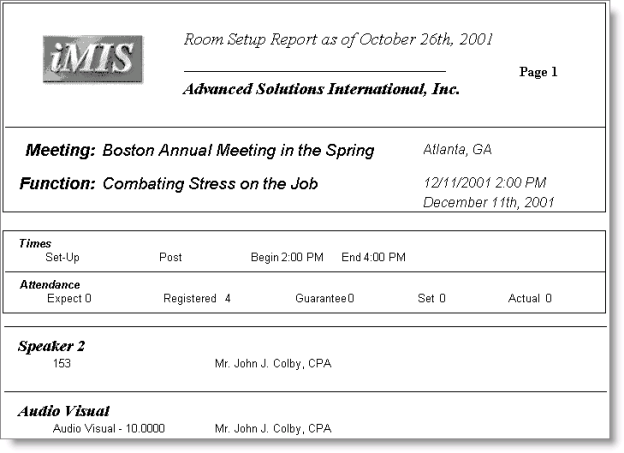
While the event is open, use the Room Setup report to view function-level speaker data (evaluation criteria, scores, and comments recorded).