Unposted Transactions by Date report
The Unposted Transactions by Date report lists all of the non-posted product inventory transactions for the selected date range.
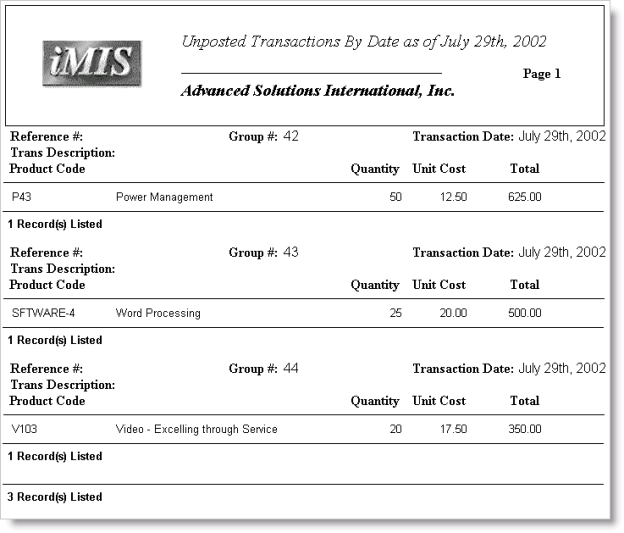
The Unposted Transactions by Date report lists all of the non-posted product inventory transactions for the selected date range.