Last updated on: June 08, 2026
Staff users can move custom queries between folders by either dragging and dropping them or using cut and paste.
Important! You cannot move system-defined queries. Only custom queries can be moved.
Note: If a content record uses query, such as in a Query Chart Viewer content item, a staff user must update the content record with the query's new location.
To move a custom query from one folder to another, do the following:
- Go to RiSE > Intelligent Query Architect.
- Find and locate the desired query.
- Do one of the following:
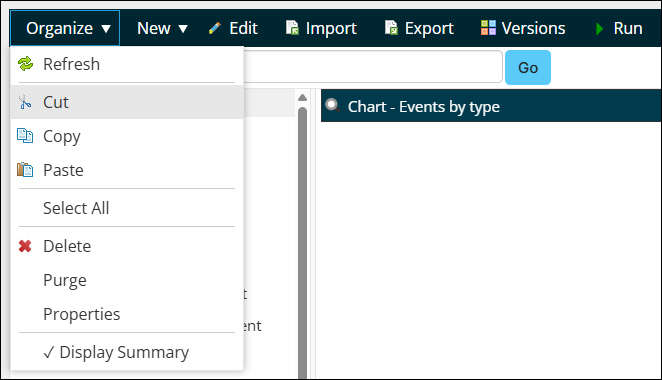
- Select the query, then click Organize > Cut. Navigate to the new location, then click Organize > Paste.
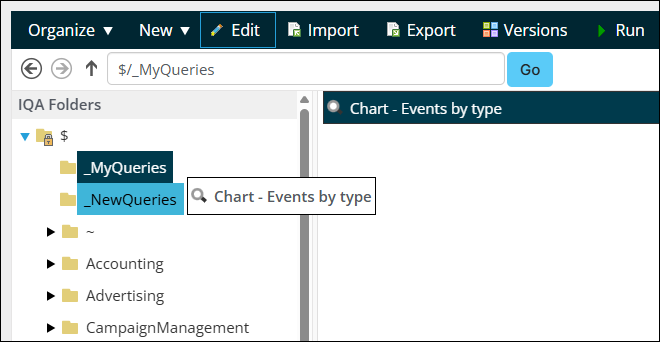
- Drag and drop the query to the new folder.
- Select the query, then click Organize > Cut. Navigate to the new location, then click Organize > Paste.