Last updated on: June 19, 2026
Community Dashboard
The Community Dashboard (Community > Dashboard) uses a custom version of the StaffCommunityLanding shortcut for the Staff site. It is found at @/MyStaff/Dashboards/Community.
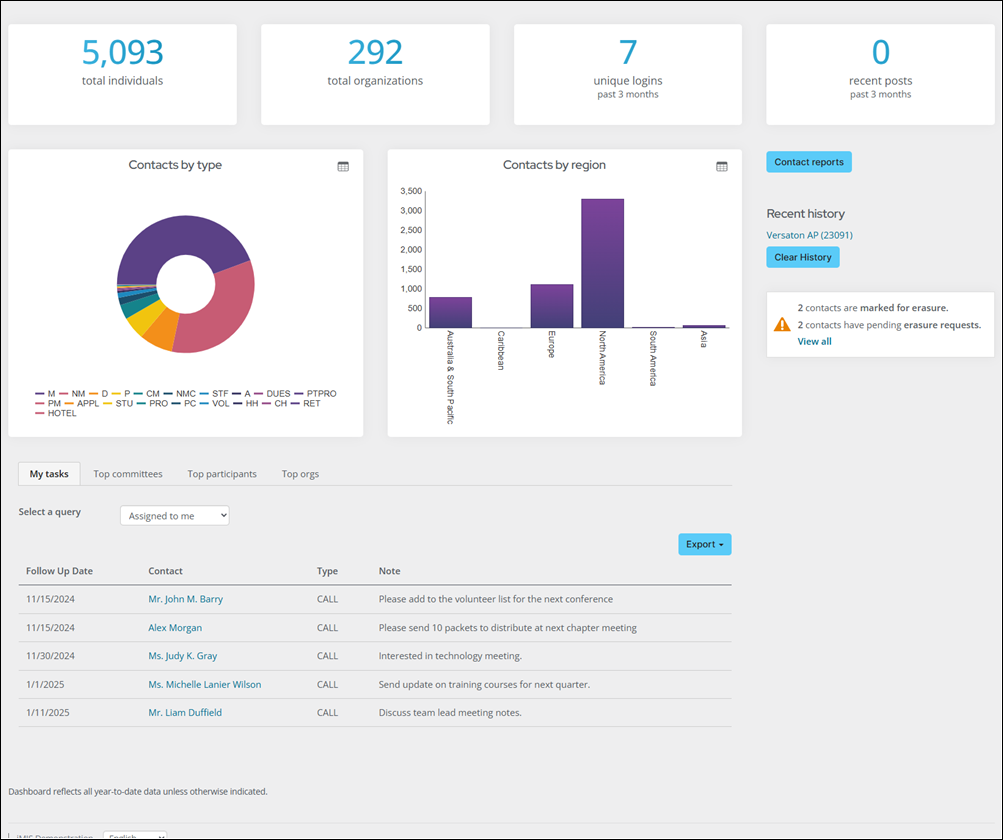
Customizing the contacts by region chart
There is a set of queries that can be configured for the Contacts by Region Chart included in the Staff site. The queries can be found by going to RiSE > Intelligent Query Architect and navigating through the following folder path: $/_MySystem/StaffSite/Dashboards/Community.
Do the following to customize the Contacts by Region Chart:
- Go to Community > Dashboard.
- Enable Easy Edit.
- Select Open in Content Designer.
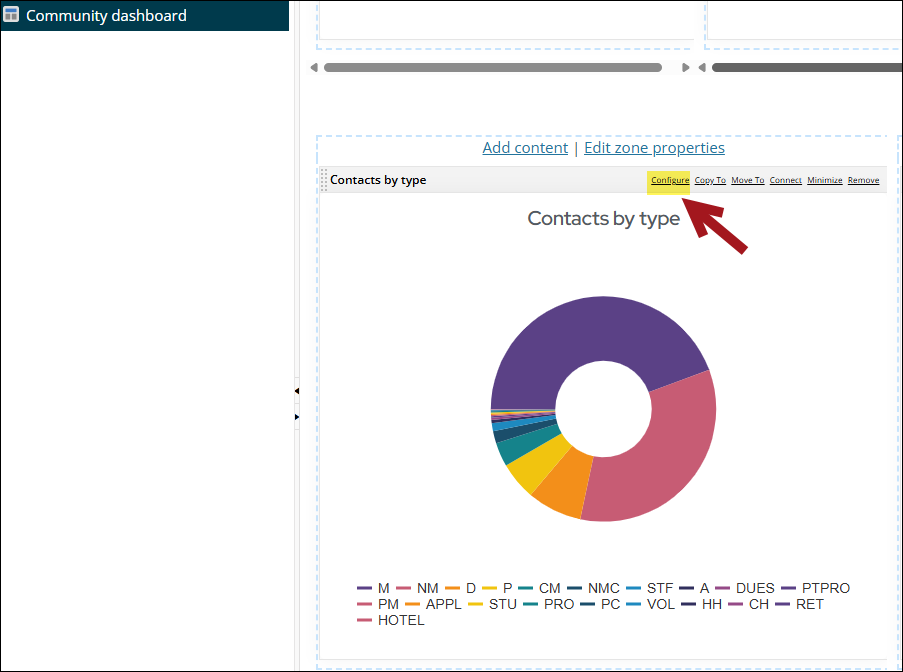
- Scroll to the Query Chart Viewer content item and select Configure.
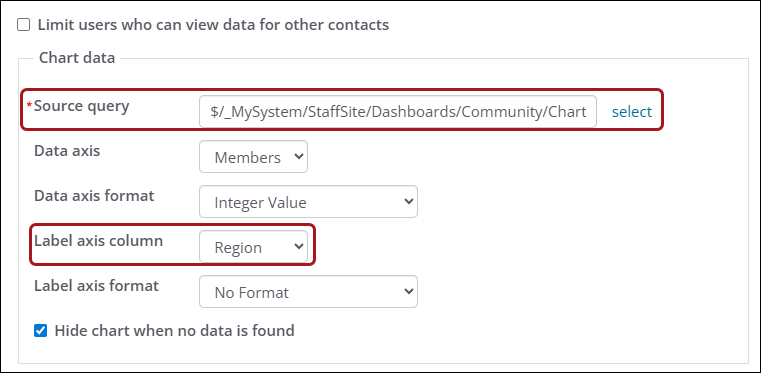
- Under Chart data, select the query for the region you would like to display and update the Label axis column property for the region you are displaying.