Last updated on: June 19, 2026
QuickStart Template
Membership dashboard
Access or update the QuickStart Membership Dashboard at Membership > Dashboard. The staff site displays this dashboard using a customized version of the StaffMembershipLanding shortcut.
Updating the QuickStart Membership dashboard
Do the following to update the QuickStart Membership dashboard:
- Go to Membership > Dashboard.
- Enable Easy Edit.
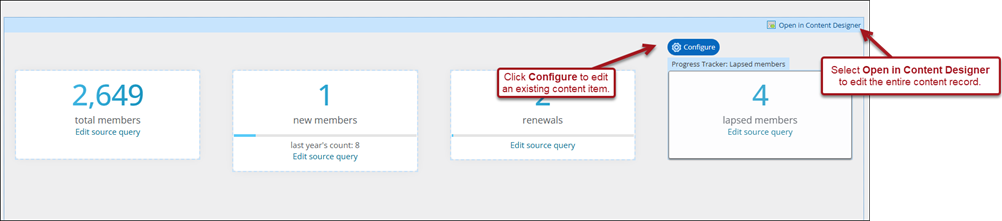
- Hover over the content item you need to edit, then click Configure.
- To edit the entire content record or add new content, select Open in Content Designer.
- Make the desired changes, then click Save & Publish.
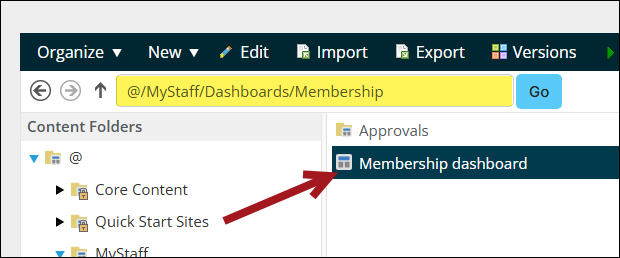
Note: Alternatively, edit the QuickStart Membership dashboard from RiSE > Page Builder > Manage content. Navigate through the following folder path: @/MyStaff/Dashboards/Membership