Last updated on: June 19, 2026
QuickStart Template
Panel definition audit
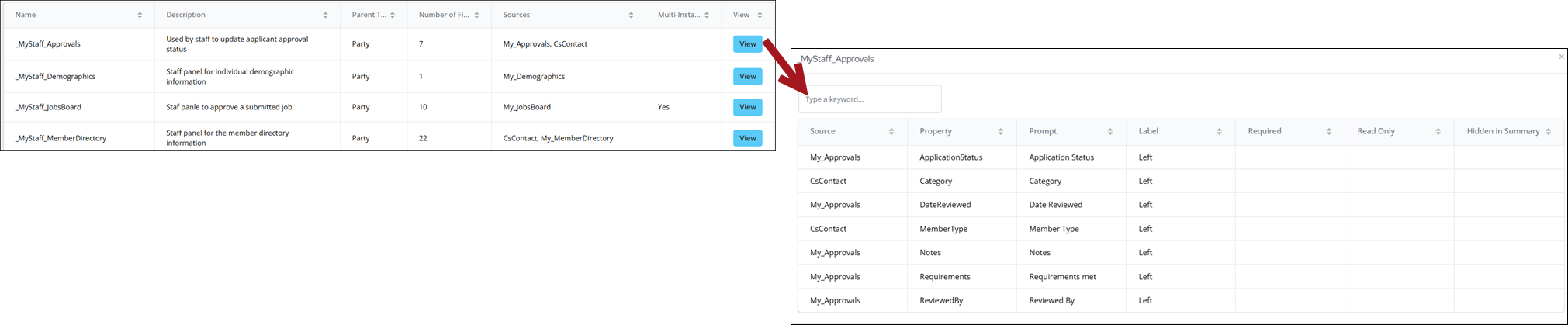
This tool performs an audit of all of the user defined and custom panels within iMIS. The audit provides details on the definition of the panel and the data sources it uses, as well as the fields selected for display. An Excel copy of this audit can be downloaded, which includes a summary tab and a tab per panel.
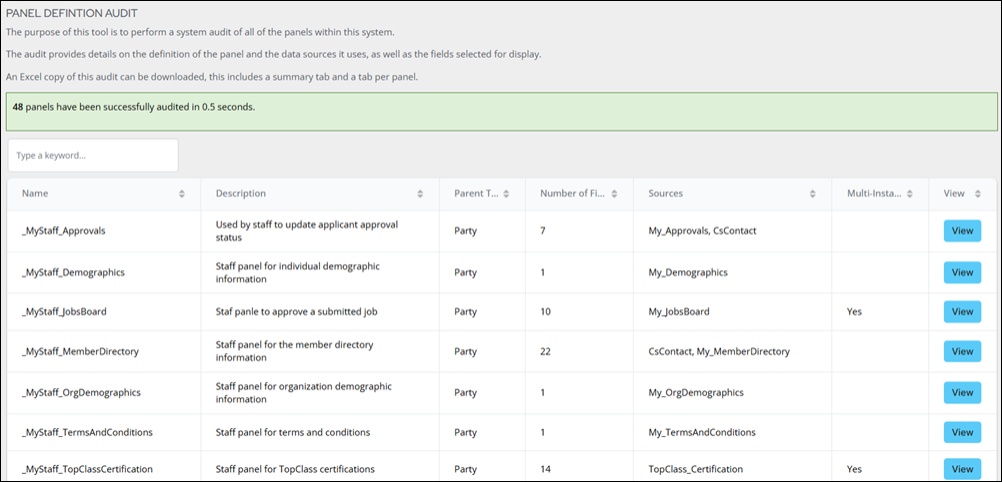
To perform an audit of the panels, do the following:
- Go to RiSE > Panel defintion audit.
- Search for a specific panel using the search bar.
- Click View to see details on the selected panel definition.