Last updated on: June 19, 2026
delQuickStart Template
Panel source audit
This tool performs an audit of all of the user defined (custom) panel sources within iMIS. User-defined panel sources are those which have been created through Panel Designer and includes those relating to contacts (single and multi-instance), Events, Invoices, or Standalone.
The audit provides details on the definition of the panel sources and the properties it has, as well as the number of rows of data within the source. An Excel copy of this audit can be downloaded, which includes a summary tab and a tab per panel source.
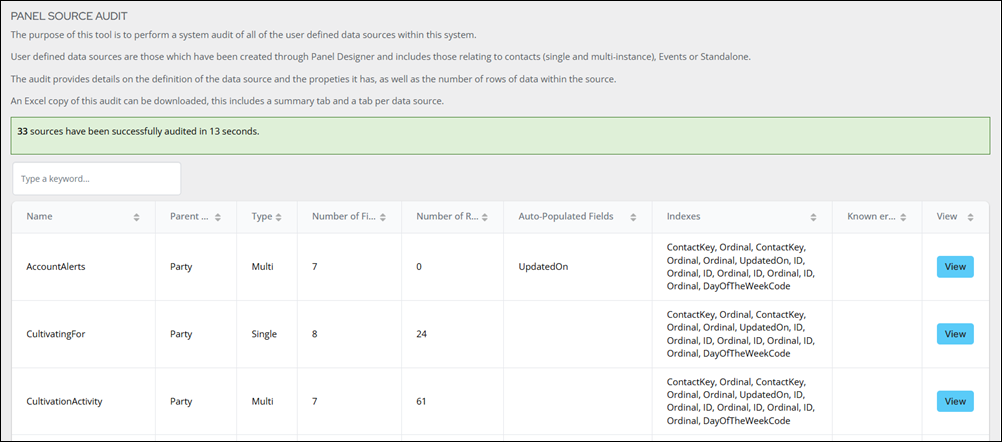
Do the following to perform an audit of the panel sources:
- Go to RiSE > Panel source audit.
- Search for a specific panel source using the search bar.
- Click View to see details about the selected panel source.
