Last updated on: June 19, 2026
eleteQuickStart Template
Storing queries
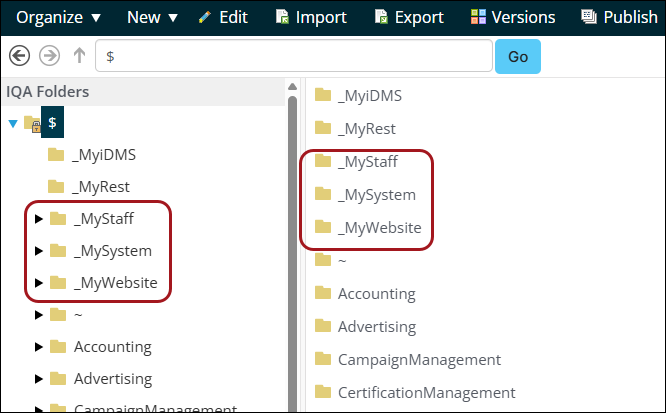
The recommended IQA folder structure to store custom queries has been set up in the QuickStart Template. These include the following folders:
- _MyStaff
- _MySystem
- _MyWebsite
These folders contain hundreds of queries which are commonly needed or used in QuickStart Template features.
_MyStaff
This folder is for queries your staff use on a regular basis and can be accessed by going to Reports > My queries. It contains a number of sub-folders for common departments. Add any other sub-folders required.
The following queries are included:
- Admin
- All Staff Users - a list of all staff users.
- System Admins - a list of users with the System Administrator role.
- Finance
- All invoices - Displays a list of all invoices for the selected contact.
- Products with no GL code - a list of products which don't have a GL account grouped by type.
- PIAS
- Operational Assessment survey - Gets all staff users whose account is not disabled and provide a link to the Operational Assessment survey. Use in a page with the link, or export to another format and use the link text.
_MySystem
This folder is for queries that pertain to elements such as dashboards, process automation, groups, or validation lists. Modifying these queries could affect reports or automated processes.
Security for these queries is set to either authenticated users, staff or administrators. The exception is the queries in the $/_MySystem/ValueLists folder.
_MyWebsite
This folder is for queries used on your public facing websites, such as public directory lists, jobs boards, speaker profiles and account pages.
Security for these queries can be for either authenticated users or unauthenticated users.