Last updated on: June 23, 2026
Staff users can migrate an existing iSchedule task to a workflow.
To migrate an iSchedule task to a workflow, do the following:
- Go to iDMS > iSchedule.
- Select the task(s) to be migrated.
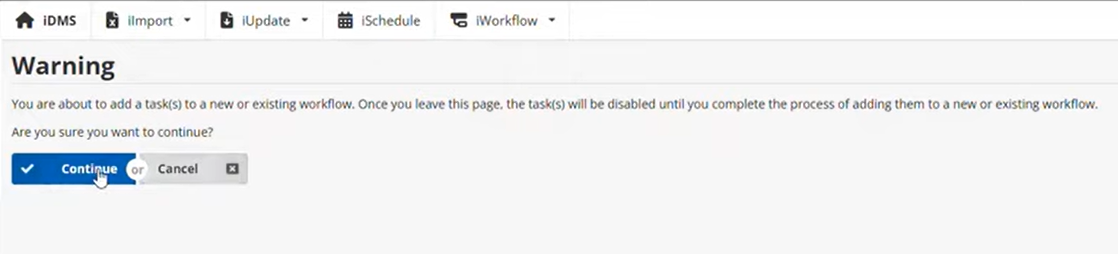
- Click Add to iWorkflow.
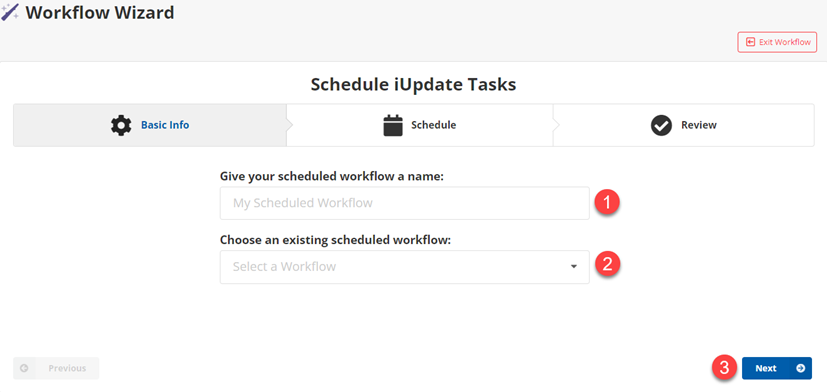
- (Workflow Wizard) Configure Basic Info:
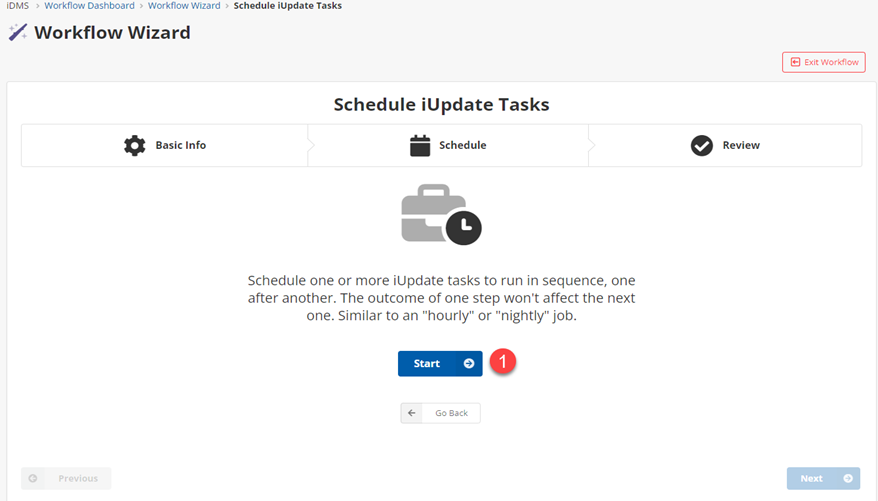
- Click Start.
- Do one of the following:
- If creating a new workflow, enter the workflow name in the Give your scheduled workflow a name field.
- If adding to an existing workflow, select the existing workflow from the Choose an existing scheduled workflow drop-down.
- Click Next.
- Configure Schedule:
- Select Build Schedule.
- In Select Schedule, use the Hourly, Daily, Weekly, or Monthly tabs to build the cron expression.
- Click Apply.
- Click Next.
- Review the workflow details.
- Click Finish.