Last updated on: June 23, 2026
Troubleshooting
Common issues with QuickPay are outlined below, along with potential causes and recommended resolutions for each error.
Payment Errors
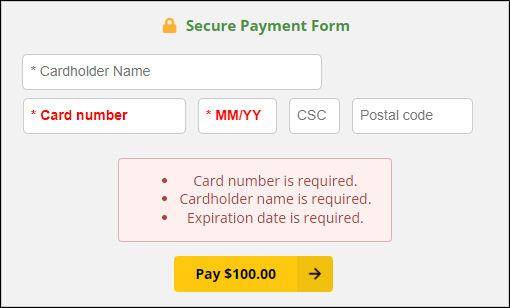
If a red message appears beneath the credit card form after payment submission, the payment was not successfully processed.
The customer should confirm that the entered information is accurate and resubmit the payment. If the issue persists, they should contact your organization or their credit card provider for additional assistance.
404 Not Found
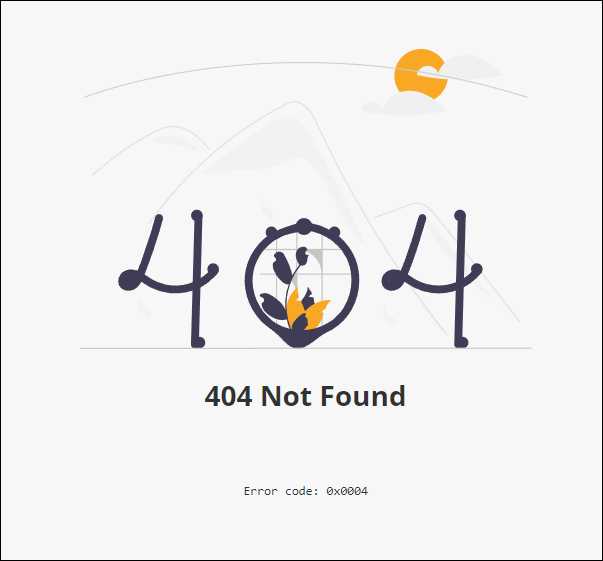
If the 404 Not Found screen appears, the payment URL used to access the invoice is invalid.
For security reasons, the associated error codes are not published. If the issue persists, contact support for assistance.
500 Error
If a 500 error appears, verify that the background account is configured correctly. If the account is valid and the error continues, submit a support ticket for further investigation.