Last updated on: June 23, 2026
Finding which card was used for a payment
All payment related information can be found within the Payment detail.
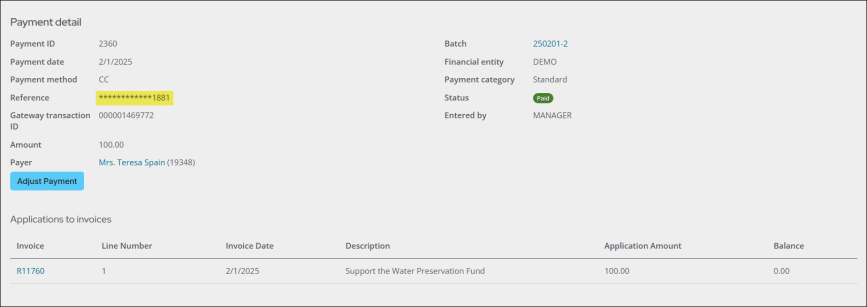
To find which card was used for a payment, do the following:
- Go to Finance > Pay Central > Find payments.
- Search for and open the payment.
- From the Card number or Reference property, review the last four digits of the card that was used. The full card number will never display, since it is stored securely outside of iMIS. See Understanding the payment workflow between iMIS, Pay Central, and payment gateways for details.