Last updated on: June 08, 2026
Working with invoice adjustment data allows staff to review and manage invoices.
| Complexity | Beginner |
|---|---|
| EMS Compatible | Yes |
| iMIS 2017 Compatible | No |
| Actions | Insert, Update, Insert / Update |
Note: These actions follow the same rules and processes as if done in the Staff site. If additional steps are required, such as posting the batch, you must either complete them in the Staff site or use a different iDMS action.
Mapping
Important! If you are working with cash dues invoices, be sure to review Using iDMS with persisted cash dues.
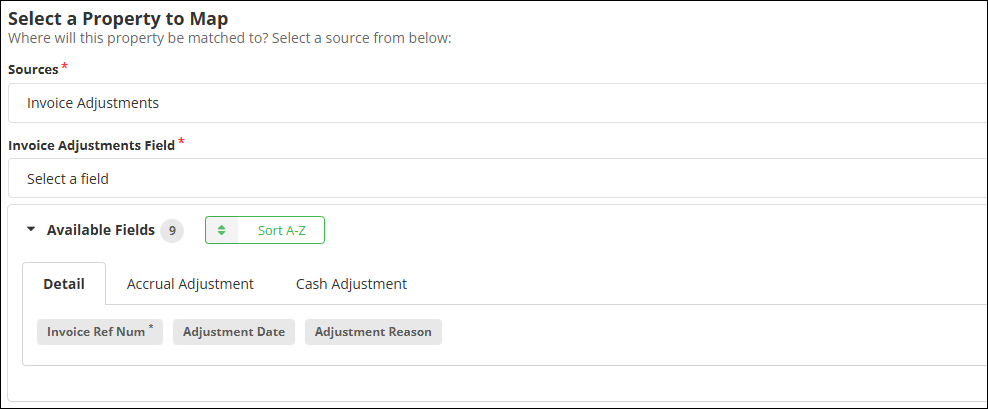
Review the following required and optional mappings:
Required
- Invoice Ref Num - Reference number or ID associated with the invoice.
- Product Code - Product code associated with the adjustment.
Important! Invoice Ref Num refers to the InvoiceReferenceNumber and/or Invoice ID. It is not the same as the Invoice Number.
Optional
- Adjustment Date - Date associated with the adjustment.
- Adjustment Price - Price associated with the adjustment.
- Adjustment Reason - The reference number(s) associated with open credit invoices used for payment.
- Is Removed - Determines if the corresponding product balance is removed from the invoice by setting it to $0.