Last updated on: June 23, 2026
This article shares details on how to work with general lookup tables data. For how to delete general lookup tables, see the Delete Action Guides.
| Complexity | Beginner |
|---|---|
| EMS Compatible | Yes |
| iMIS 2017 Compatible |
Yes |
| Actions |
Insert, Update, Insert / Update, Delete |
Mapping
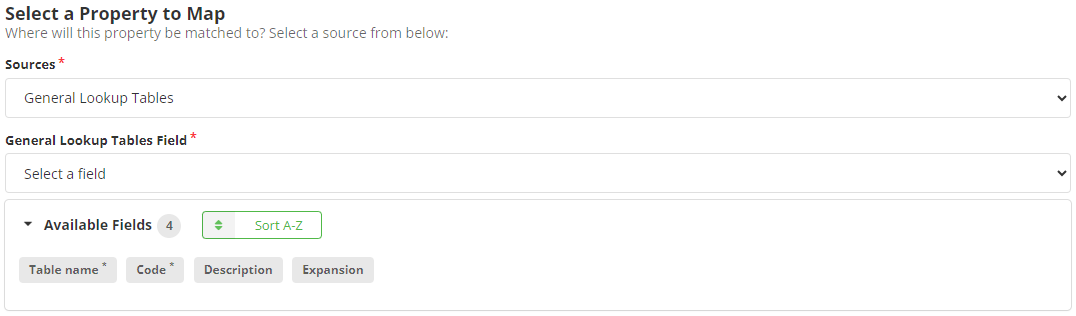
Review the following required and optional field mappings:
Required
- Code - The code of the general lookup table.
- Table Name - The name of the general lookup table.
Optional
- RECOMMENDED Description - The description of the general lookup table.
- Expansion - Can be used to store additional data. Review Creating, editing, and deleting tables for information on using expansion as its usage can change the functionality of the data stored in a panel field.