Last updated on: January 27, 2026
Favoriting IQA queries
iMIS Outlook Integration supports tagging an IQA query as a favorite, also known as favoriting. Favorites are more easily accessed and can greatly increase efficiency.
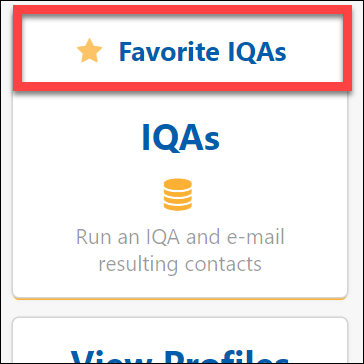
In the iMIS Outlook Integration pane in Outlook, click Favorite Queries to access the Favorite Queries list.
To favorite queries, do the following:
- In the iMIS Outlook Integration pane in Outlook, click IQA Queries.
- Find the query you want to favorite.
- Select the star next to the query to add it to the Favorite Queries list.
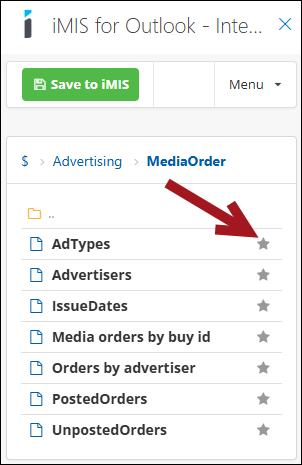
Clicking on the star again will remove the IQA query from the Favorite Queries list.